Skip to content
How it works

From connecting Amazon to your first purchasing review.

Five steps. Connect Amazon in about 5 minutes, let the initial sync run for about 30, then import costs and suppliers and review the purchasing view with your buyer.

Step 01

Connect Amazon — OAuth, one click

Sign in with Amazon. We request the minimum SP-API roles each enabled feature needs. Credentials land directly in AWS Secrets Manager — you never paste a refresh token — and we confirm the connection against Seller Central before continuing. Read-only by default. Amazon writes are off until you enable them, ship in dry-run mode, and every change is staged for your approval. Takes about 5 minutes.

app.buycast.ai/overview
AB

Revenue · today

$48,210

+12.4%

Contribution

$14,905

+8.1%

Days of supply

38 days

-2d

Capital at risk

$182k

-9.2%

Reorder queue · this week

5 of 124

Aqua Bottle 24oz

PL-AQ-204

480Approved

Letterbox Tray

HO-LTR-061

120Review

Ceramic Mug Trio

PL-CRM-018

260Approved

Knife Block Set

GR-KT-099

90Draft

Turkish Towel

PL-TWL-033

310Approved

Forecast · 28d

Ensemble: AutoETS · ARIMA · Theta · CES

Copilot

Drafted 7 vendor-consolidated POs for Brand Aqua — $42k, saves 3 shipping windows.
ReviewApprove all
Connect Amazon — OAuth, one click.
Step 02

Initial sync — four phases, live progress

Products → Sales → Settlements → Dimensions and images. We pull 30 days of sales history, your full catalog, FBA inventory, and settlement reports at roughly one day of history per minute, so the backfill finishes in about 30 minutes. There is a progress bar you can watch.

app.buycast.ai/overview
AB
BuyCast overview after the initial Amazon sync, showing sales and inventory populated.
Initial sync — four phases, live progress.
Step 03

Import costs and suppliers

Upload a CSV of landed costs, suppliers, and lead times — header-mapped, with a dry-run preview and row-level errors before anything is written. This is what turns sales data into margin and reorder points.

app.buycast.ai/overview
AB

Revenue · today

$48,210

+12.4%

Contribution

$14,905

+8.1%

Days of supply

38 days

-2d

Capital at risk

$182k

-9.2%

Reorder queue · this week

5 of 124

Aqua Bottle 24oz

PL-AQ-204

480Approved

Letterbox Tray

HO-LTR-061

120Review

Ceramic Mug Trio

PL-CRM-018

260Approved

Knife Block Set

GR-KT-099

90Draft

Turkish Towel

PL-TWL-033

310Approved

Forecast · 28d

Ensemble: AutoETS · ARIMA · Theta · CES

Copilot

Drafted 7 vendor-consolidated POs for Brand Aqua — $42k, saves 3 shipping windows.
ReviewApprove all
Import costs and suppliers.
Step 04

Review the purchasing view

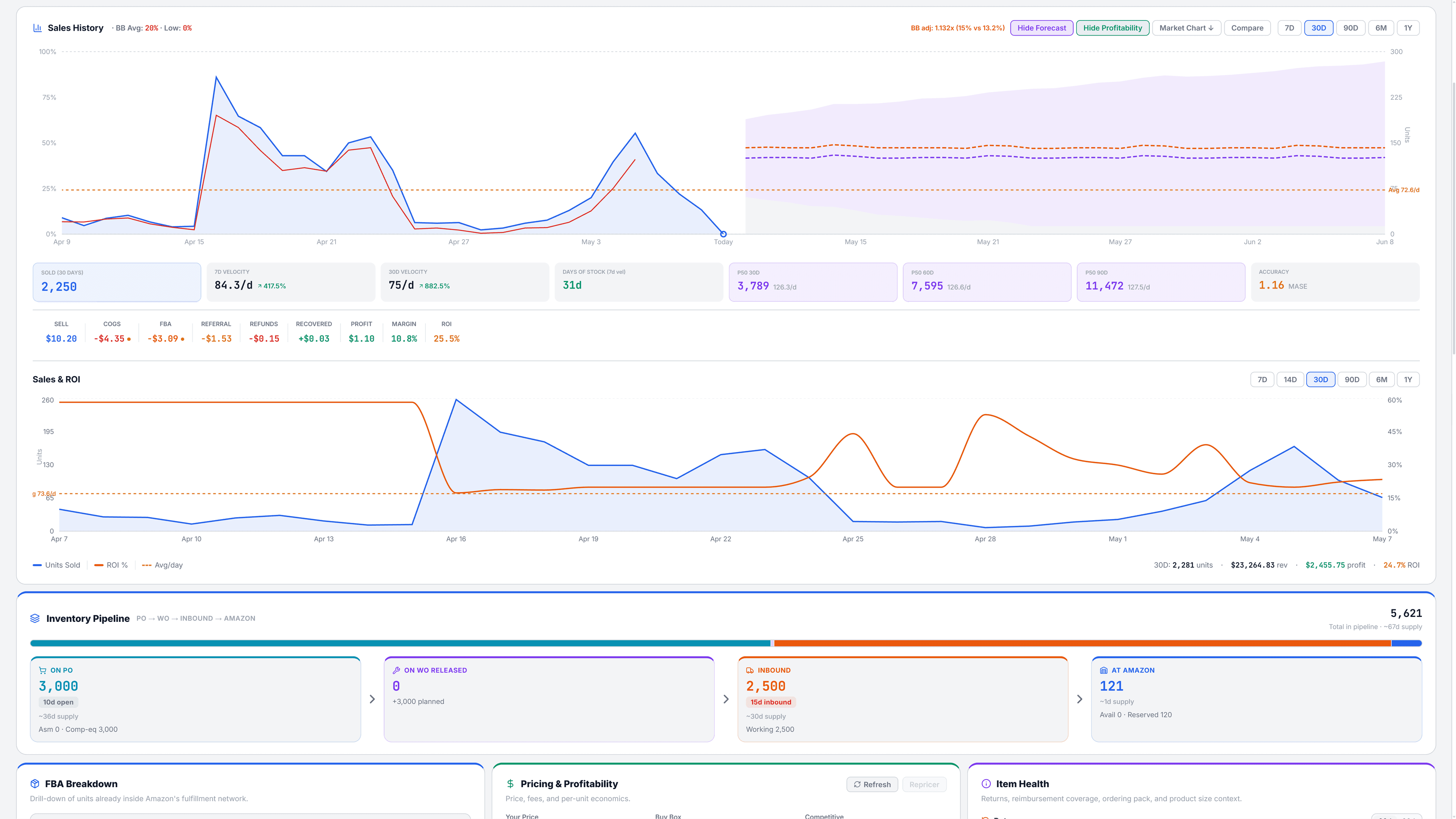
Sales velocity, on-hand and inbound stock, the forecast, and every open purchase and work order sit on one screen per SKU. Your buyer reviews what needs a decision this week and builds or adjusts the next order from the same place.

app.buycast.ai/overview
AB
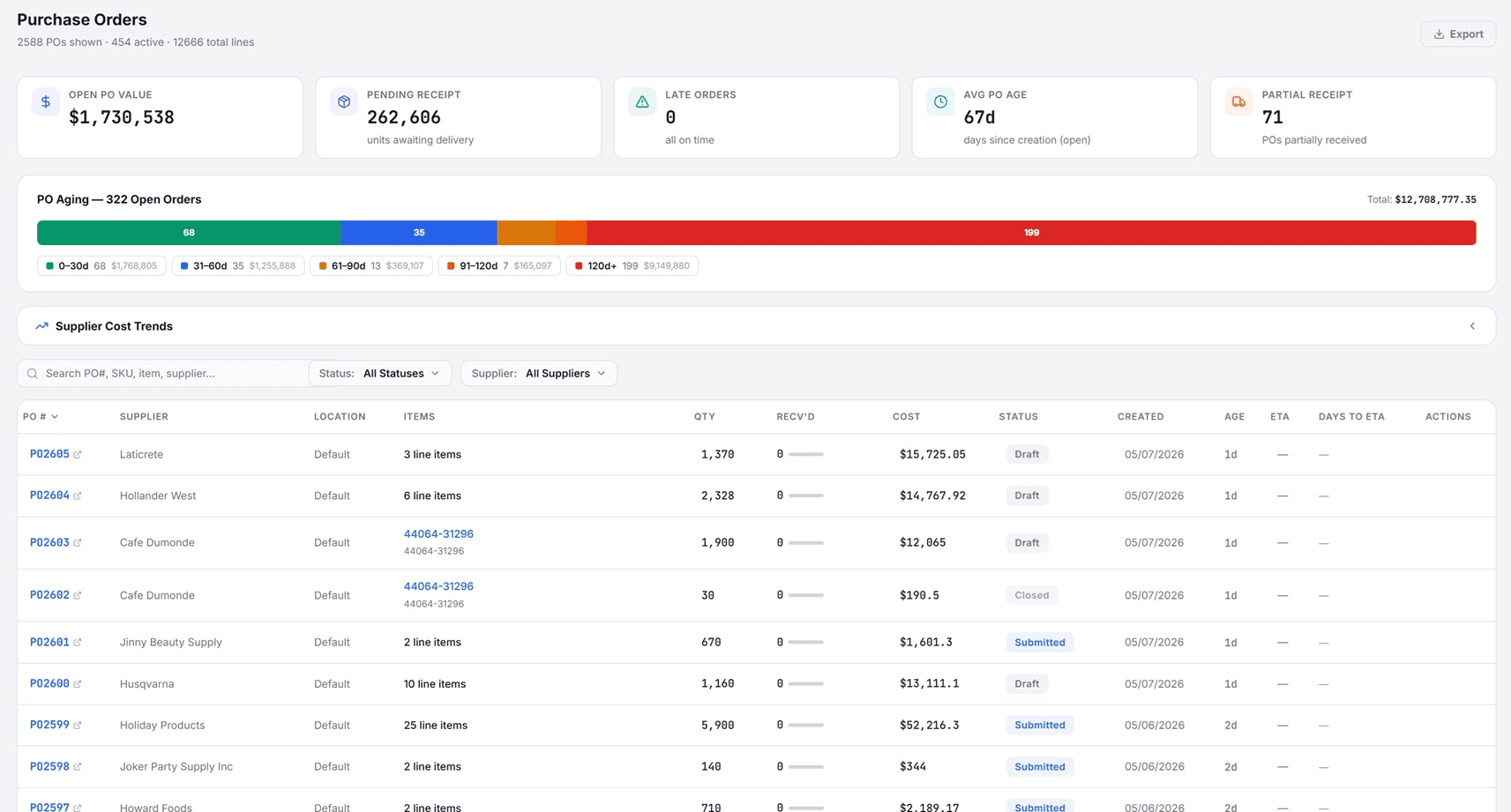
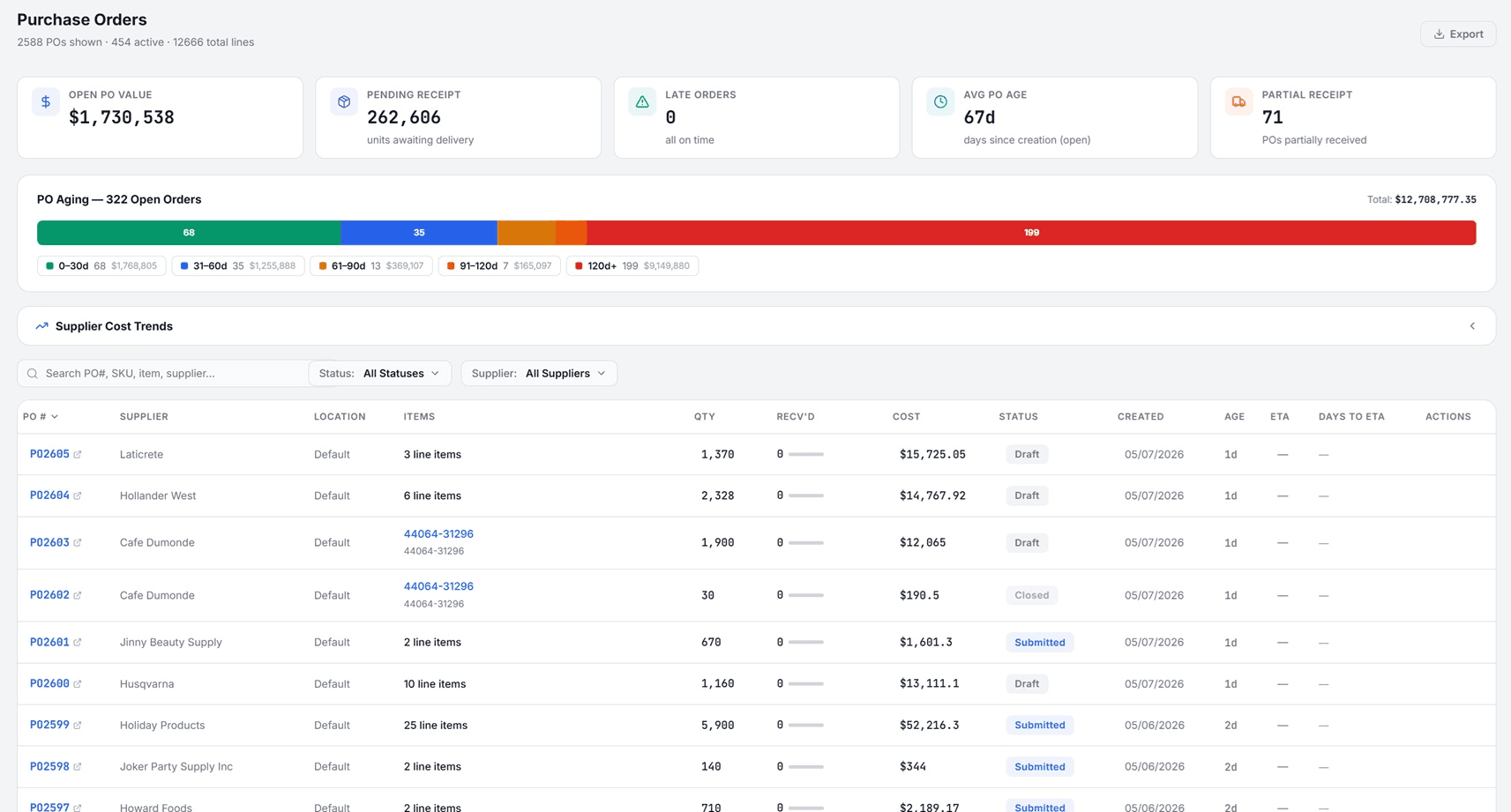
Purchase-order history with status, supplier, and expected arrival alongside inventory.
Review the purchasing view.
Step 05

Guided onboarding session

If you take guided onboarding, we run your first purchasing review together on your live catalog, walk each view with your buyer, and leave written notes on how your team should use it.

app.buycast.ai/overview
AB
Draft purchase-order cart with vendor-consolidated quantities ready for review.
Guided onboarding session.

See the purchasing workflow on a catalog like yours.

A 30-minute walkthrough with a product engineer. Your data stays yours.